How records change
Understand how drafts are reviewed, published and updated, and what happens to earlier versions.
Descriptions can grow as people share knowledge, identify mistakes or add context. A record may begin with limited information and become more detailed over time.
Kiskemisowin keeps work in progress separate from the version approved for publication. This lets people prepare changes while an existing published record remains available under its access settings.
Begin with a working draft
A working draft is where you prepare a new record or make changes to an existing one. You need the appropriate permissions to create or edit it.
You can add a description, attach files, acknowledge contributions and record other information as it becomes available. Saving a draft does not publish it.
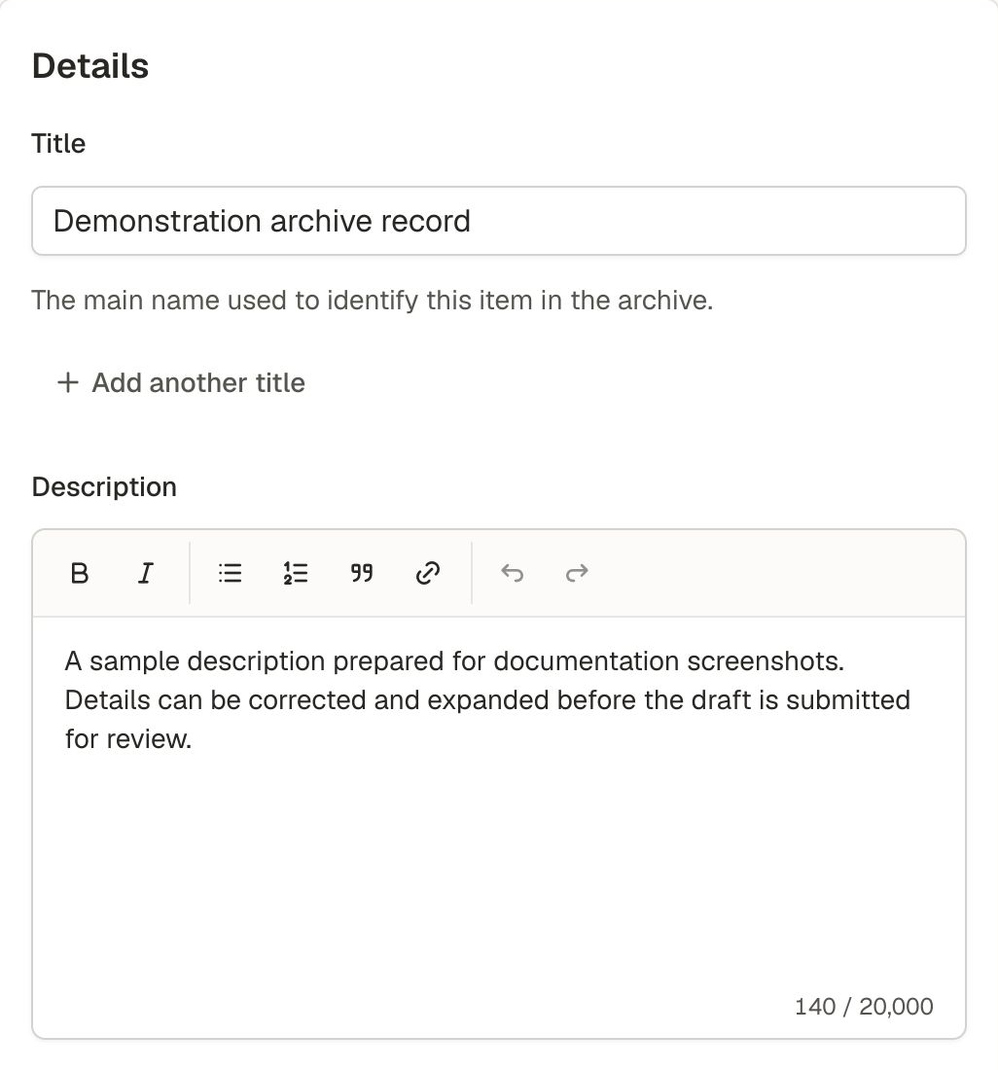
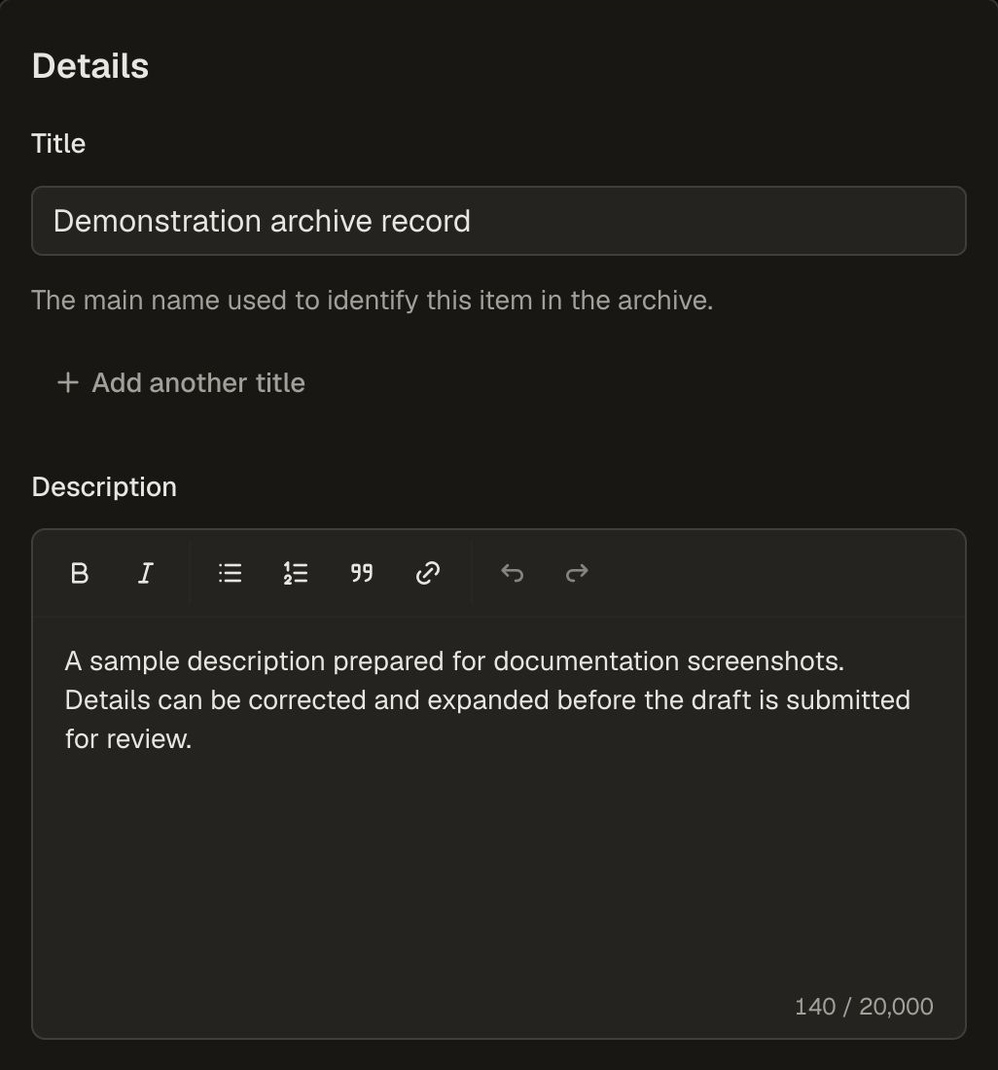
Title and description fields in a demonstration draft. The record remains unpublished while it is being prepared.
Before submission, the application checks its required information. Those checks cannot determine whether the description is culturally appropriate, consultation is complete or permission to share the material has been obtained. Follow the process agreed on by the people responsible for the material and the archive.
Submit the draft for review
When the draft is ready, someone with submission permission can send it for review.
Kiskemisowin saves a copy of the information being submitted. This is what the reviewer considers. The draft cannot be edited while the submission is in review.
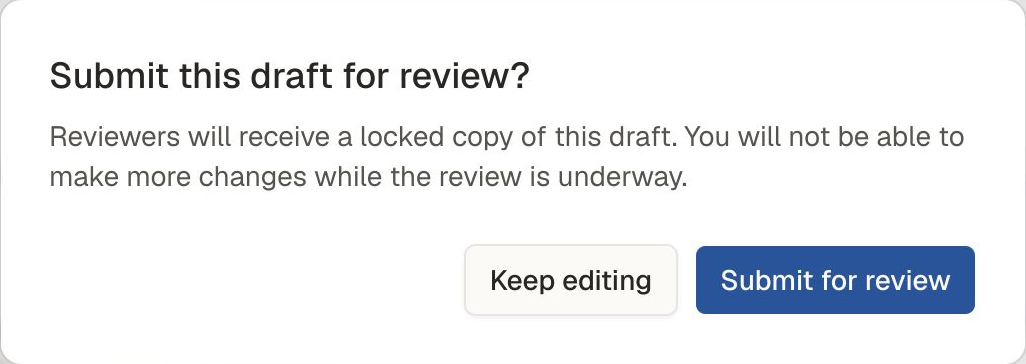
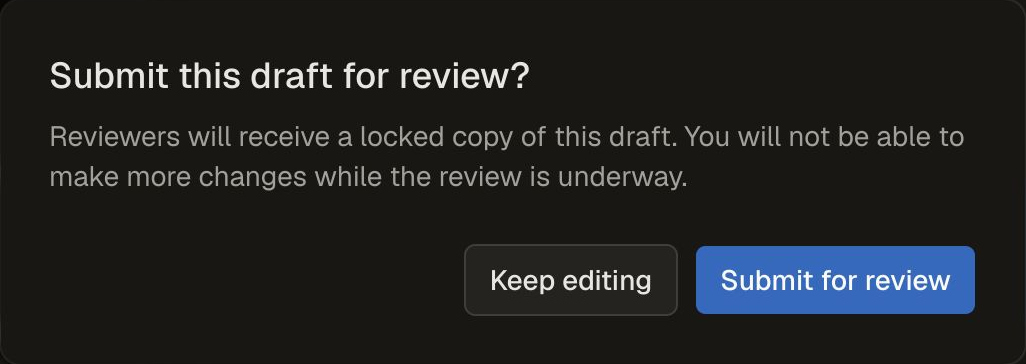
The submission confirmation. Keep editing returns to the draft; Submit for review sends a locked copy for review.
Someone with review permission can:
- Approve the submission, making it the current published version.
- Reject the submission, allowing the draft to be edited and submitted again.
If the submission needs to be taken back before a decision, someone with the required permission can choose Withdraw submission. This ends the review and reopens the draft for editing.
Review records a decision in the application. Your community decides what needs to be checked and who should be consulted before that decision. See Community decisions and responsibilities.
Understand what publication means
Approval publishes the submitted version of the record.
Its visibility settings determine who can read it. A published record may be public, available to selected audiences or private. Publication does not automatically make it available to everyone.
Permission to read material is also separate from permission to reuse or share it.
Make a correction or add information
To update a published record, someone with the required permission can start a draft from it.
Use that draft to correct details, add knowledge or change the attached files. Submit the changes for review when they are ready.
The existing published record remains available under its access settings while the changes are prepared and reviewed. If approved, the new version becomes the current published record. The earlier version remains in History.
You can improve the same record over time without creating a separate record for each correction.
Some shared information is maintained separately. For example, correcting a name in the Directory can update current records without submitting each one again. Crediting people and communities explains which details change and which remain preserved.
Understand what history preserves
A version preserves a record’s description and attached-file information at a particular stage.
People with the required permissions can use History to inspect retained versions, including earlier published versions and submitted versions that were not published.
History helps explain how a description developed. It does not capture every draft edit, conversation or consultation. Record relevant sources and context in the description rather than relying on application history to explain them.
Remove a record from publication
Someone with the required permission can choose Request deletion for a published record. This sends the request for review; it does not immediately remove the record from publication.
If approved, the record is removed from published reading. Retained history remains available to people with the required permissions. Any draft is also removed.
This is different from Withdraw submission, which ends a pending review and allows editing to resume.
Approved deletion does not permanently erase the record or its files. It also cannot remove copies that someone has already obtained.
Next: understanding access and sharing
Continue with Understanding access and sharing to learn how permission to work on records differs from permission to read them.